
The construction software that runs every build and remodel.
Genaya keeps every walkthrough, site photo, signed estimate, and payment on one record, runs multi-week projects on a payment schedule, and tracks material receipts and crew hours for general contractors, remodelers, roofers, and painters.
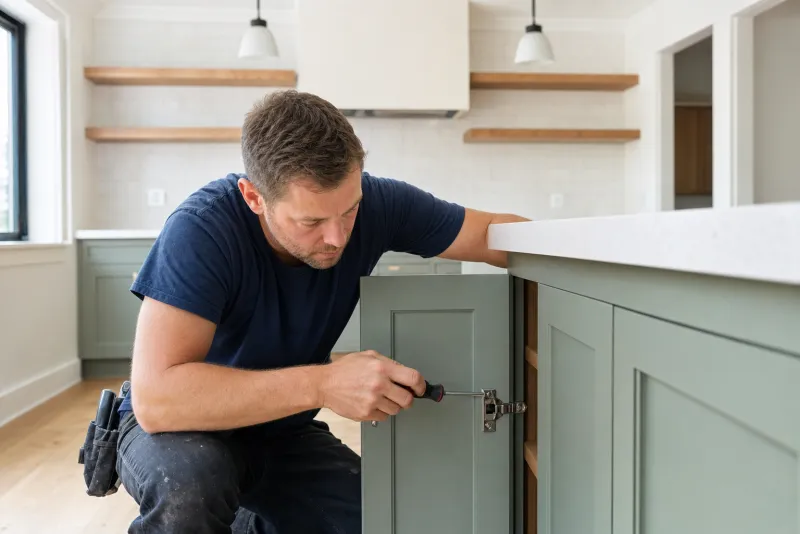
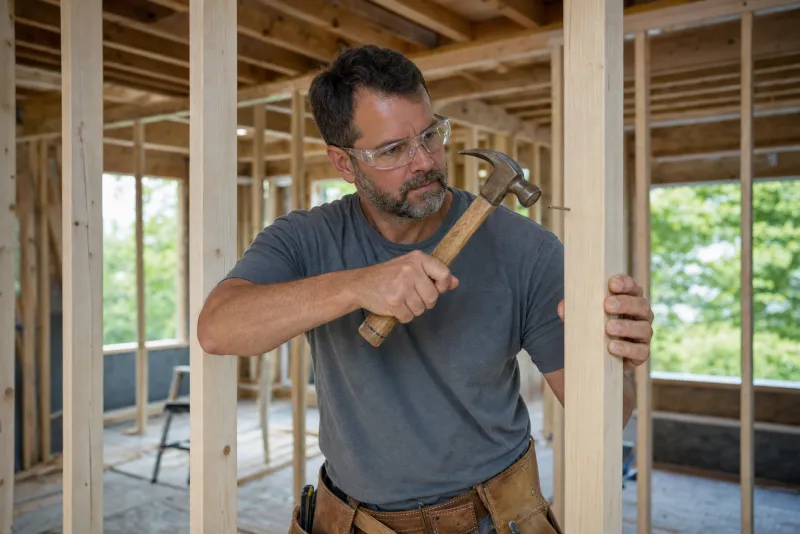
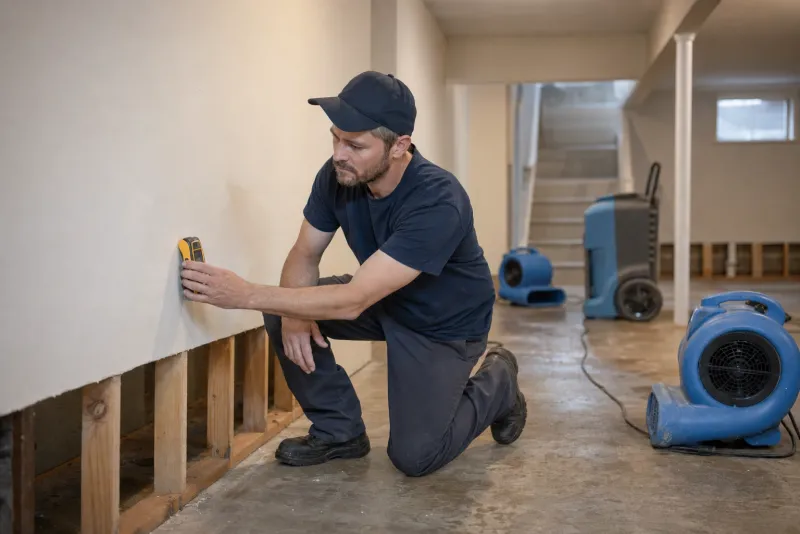
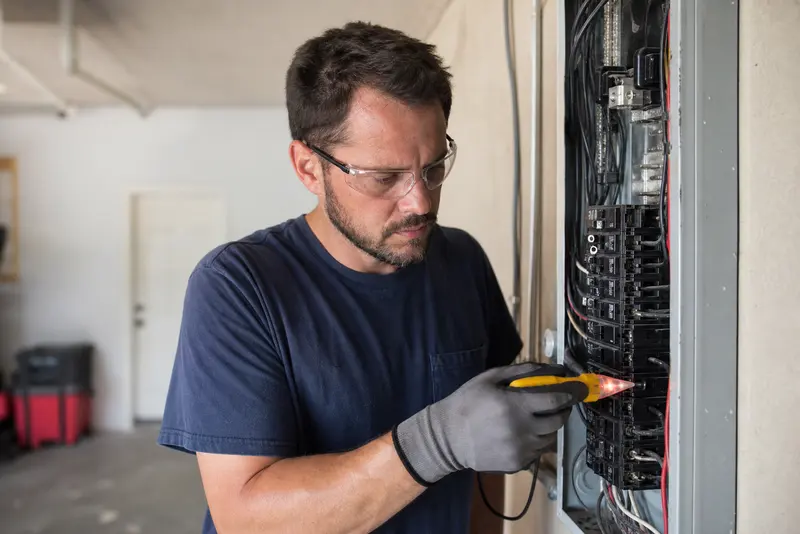
Pick your trade, see your build day
The same Genaya core - walkthroughs, signed estimates, multi-week payment schedules, crews, and payments - shaped around how each contractor actually works.



It works with what you already use


Price every trade the same way
Keep roofing squares, cabinet runs, drywall, and paint for every crew you run in one Price Book with price, cost, and photo, so every estimator prices a roof, a kitchen, or a ceiling the same way from the walkthrough.
Learn more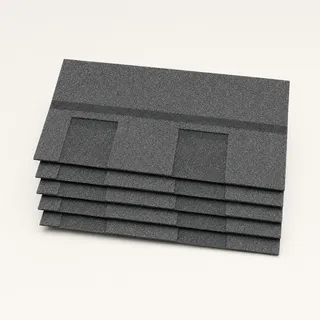


Automate your admin work
Crew start reminders, walkthrough confirmations, estimate follow-ups, and review requests go out on their own, so the office stops chasing and every homeowner knows when the trucks arrive.
Learn moreEvery walkthrough done to the same standard
Build your walkthrough reports once in E-Sign Docs - a roof and leak assessment, a pre-construction site check, a pre-paint condition report - attach them to the appointment, and required fields make sure no step gets skipped. Your estimator fills them in on the tablet, snaps photos from the Genaya app straight onto the appointment, and the homeowner signs the finished report.
Learn more


One estimate for the roof and the room under it
Turn the walkthrough into a signed estimate before you leave the driveway. Pull shingles, decking, drywall, and paint from one Price Book - every trade you run, one price list - keep the roof and attic photos on the estimate, and let the homeowner approve and sign on your tablet or from the link you send.
Learn moreRun a three-week kitchen on one appointment
A kitchen is three weeks of demo, rough-in, cabinets, and counters, and a re-roof is three days of tear-off and shingles. Book one appointment that spans the whole project, put the crew on it, and with payment schedules turned on, collect the deposit at signing, the mid-project payment on its date, and charge the balance when the work is done.
Learn more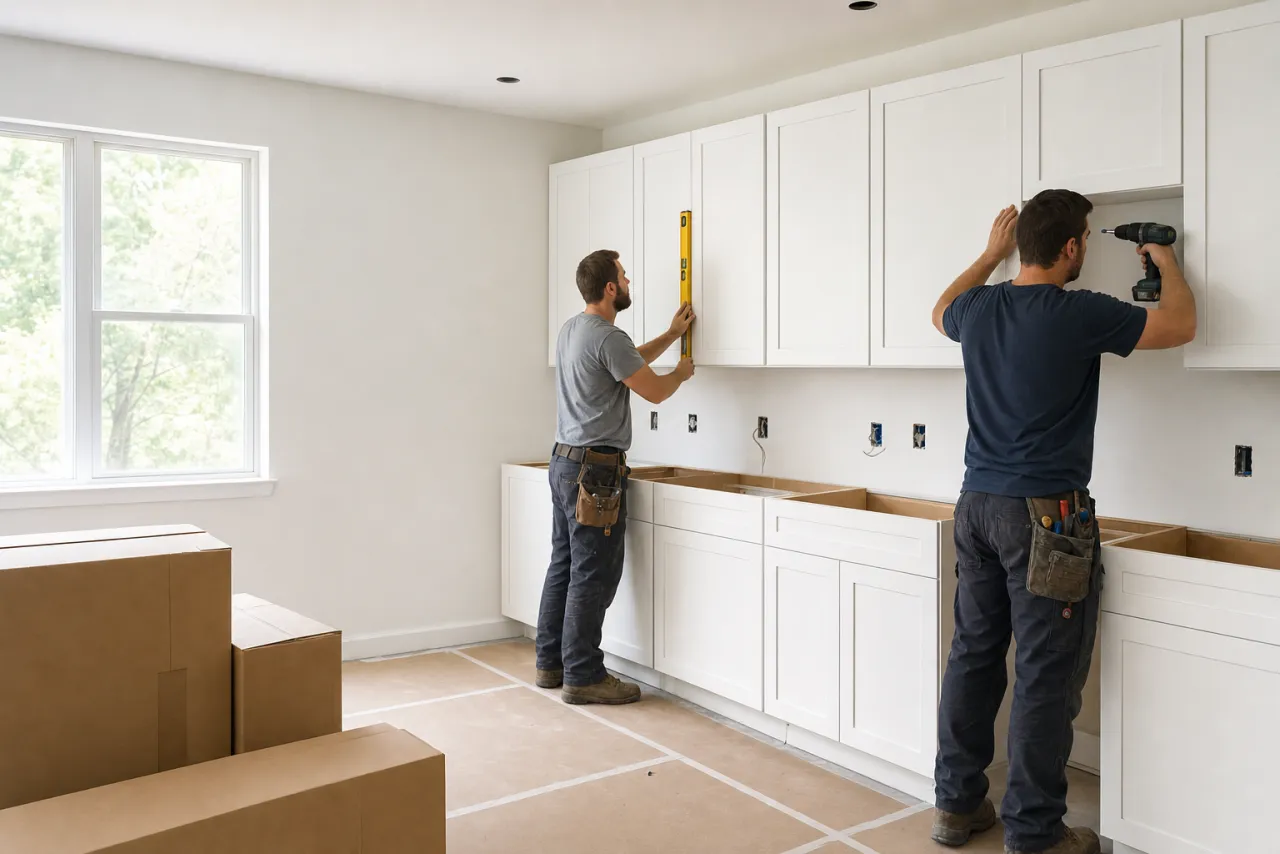
Keep every material receipt on the job
Snap the supply-house receipt from the truck and Genaya AI reads the vendor, date, and line items into a new expense. Assign it to the appointment it belongs to - a kitchen, a re-roof, a repaint - keep the receipt attached, and mark it as a team cost when a crew lead paid on their own card, so every receipt sits next to the job that used it.
Learn moreCrew hours without the Friday paperwork
Roof, remodel, and paint crews clock in and out from their phones wherever the day starts, breaks included, and every punch is time-stamped the moment it happens. The office sees who is on the clock right now, approves the week in one pass, and approved hours flow straight into PayDesk payroll.
Learn moreLet homeowners pay over time
A $15,500 roof and ceiling repair nobody budgeted for is an easier yes in monthly payments. When financing is turned on for your account, homeowners can apply to pay a bigger invoice over time right from the payment page. You are paid the full amount the same way a card payment pays out, and each lender makes its own approval decision.




Every walkthrough call on the client's record
Calls, texts, and web chats land in one inbox tied to the client and the job, so the office always has the full history. When every crew is on a roof or in a kitchen and nobody can pick up, the AI Receptionist answers, checks real availability, and books a confirmed walkthrough.
Learn more
Run your operation on Genaya
Try Genaya free for 14 days
No credit card needed. Bring your clients over and run your first day on Genaya.
Three crews, three sites, one board.
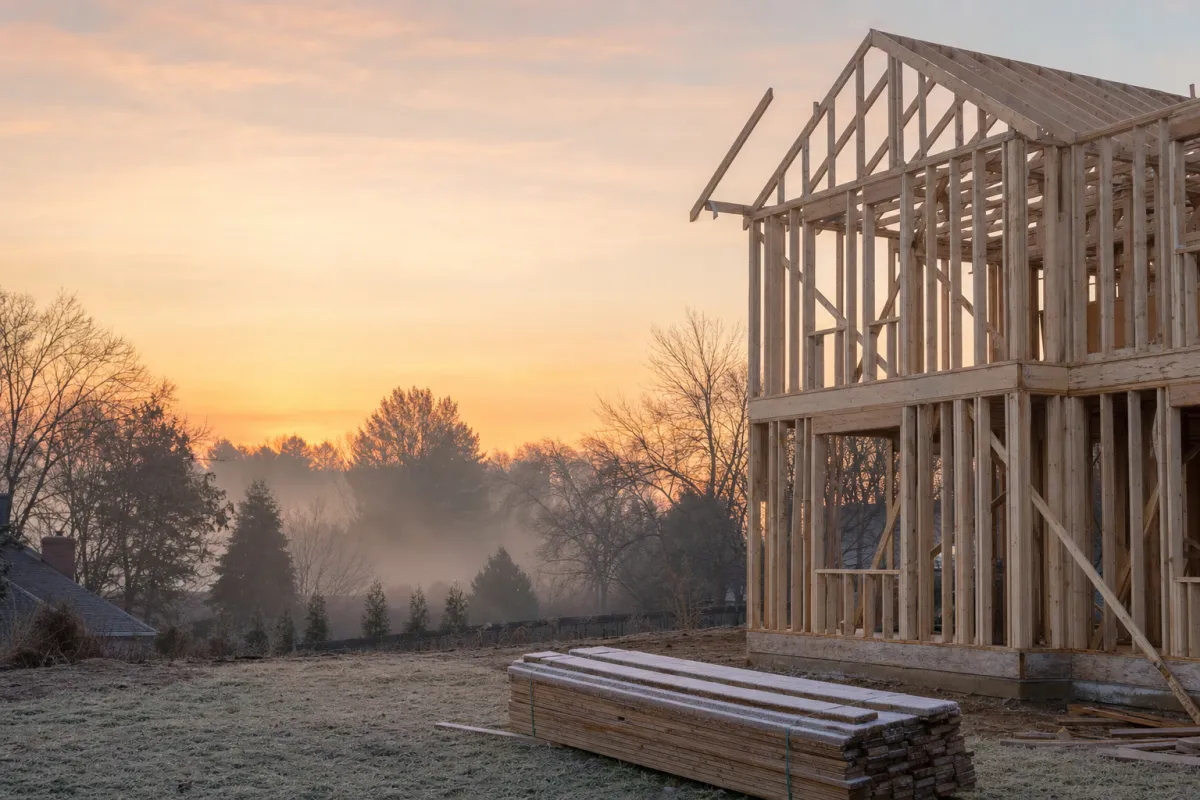
One spring build day, from first ring to final dollar
Follow a single April Wednesday at a contractor with roof, remodel, and paint crews that runs on Genaya. Every moment below is the same platform and the same record - no tool switches, no re-typing.
A leak call comes in
A homeowner woke up to a brown stain spreading across her upstairs hall ceiling after a night of spring rain, under a roof that is 24 years old. Genaya rings the desk with the caller on screen - and with every crew already on a roof or in a kitchen, the AI Receptionist answers, books a walkthrough, and logs the lead.
Three crews, one board
The morning drops onto the board. The roof crew is back on day two of the Beckett re-roof, the remodel crew is on day eight of the Hartley kitchen, where the mid-project payment is due today, and the 7:42 walkthrough slots in at 10:30 - every crew sees the same day before the trucks roll.
The walkthrough finds the leak
Tomas checks in from the driveway - Megan already got his on-the-way text, one tap from the appointment. On the roof, the rubber boot around the plumbing vent over the hall has split; in the attic below, two sheets of decking around the pipe are soaked through. The joists are dry, the ceiling is not. Every photo lands on the job record.
One estimate, every trade
Tomas prices the whole fix at the kitchen table from one Price Book - the re-roof by the square, new decking and boots, and the hall ceiling patched and repainted - with the roof and attic photos right there on the tablet. Megan sees the split boot for herself, taps approve, and signs with a finger.
Invoiced, financed, paid in full
Megan would rather pay monthly. The approved estimate becomes the invoice with one tap - same record, same amount - and the pay link lands by text. She picks Affirm on the payment page, and you are paid the full $15,500 the same way a card payment pays out.
The review lands
Tomas marks the walkthrough done and the review request goes out on its own, while the visit is still fresh. Megan posts five stars before the first shingle comes off - nobody had to remember to ask.
The owner sees the whole day
Trucks parked, tarps down on the Beckett roof. The dashboard shows what the day actually did - walkthroughs booked, the Alcott roof sold, the Hartley mid-project payment charged to the saved card, and every rating on one screen, with the Alcott re-roof already on next week's board.
Built for the crews that build and renovate homes











See your own day on Genaya
Book a demo and we will walk through your calls, schedule, estimates, and payments, or start free today.
Construction company questions, answered
The short version of what contractors, remodelers, roofers, and painters ask before they switch to Genaya.
Genaya runs the whole job in one platform: calls and texts, walkthroughs, the schedule, walkthrough reports, estimates, invoices, payment schedules, payments, expenses, crew timesheets, automations, and reporting. The first call, the site photos, the signed estimate, and every payment stay on the same client record.
Yes. General contractors, remodelers, roofers, painters, restoration companies, and the electrical, plumbing, and HVAC trades run on the same core. Your Price Book, appointment types, checklists, and automations are set up for the work you do, and each trade above has its own page.
Yes. Book one appointment that spans the whole project, and with payment schedules turned on, attach a schedule to it: a deposit at signing, payments on the dates you set, and the balance when the appointment is done, which can charge the homeowner's saved card or bank account automatically.
Genaya has no separate change-order document. Build a new estimate for the added work from your Price Book, and the homeowner approves and signs it on your tablet or from the link you send. An approved estimate becomes its invoice without re-typing a line.
Yes. Assign your crews to each job and see everyone across every site by day, week, or month, and each crew member sees their jobs, addresses, and photos in the Genaya mobile app. On plans that include External Employees, your trusted subs can be added to your team and assigned to jobs next to your own crews.
Yes. Snap a receipt and Genaya AI reads the vendor, date, and line items into an expense you assign to the appointment it belongs to, as a company cost or a team cost to reimburse. With Timesheets, crews clock in and out from their phones, and approved hours flow into PayDesk payroll on plans that include it.
Yes, when financing is turned on for your account. Homeowners can apply to pay a larger invoice over time from the payment page with Affirm, Klarna, Afterpay, or Sunbit. Each lender decides its own approvals and amount limits, and the payment page shows a lender as not available when the invoice is outside its limits.
Yes. Genaya imports clients and jobs from CSV or Excel files and from many field-service tools, so you do not start from an empty book.
Your crews build and renovate.Genaya handles the rest.
Walkthroughs book themselves, every photo and signed estimate lands on the same record, receipts and crew hours land where they belong, and the balance charges when the job is done. One platform for the office, every crew, and the homeowner at the kitchen table.